
Choose Perfect Paint Colors with AI Visualizers
Reimagine Your Yard · 18 October 2026
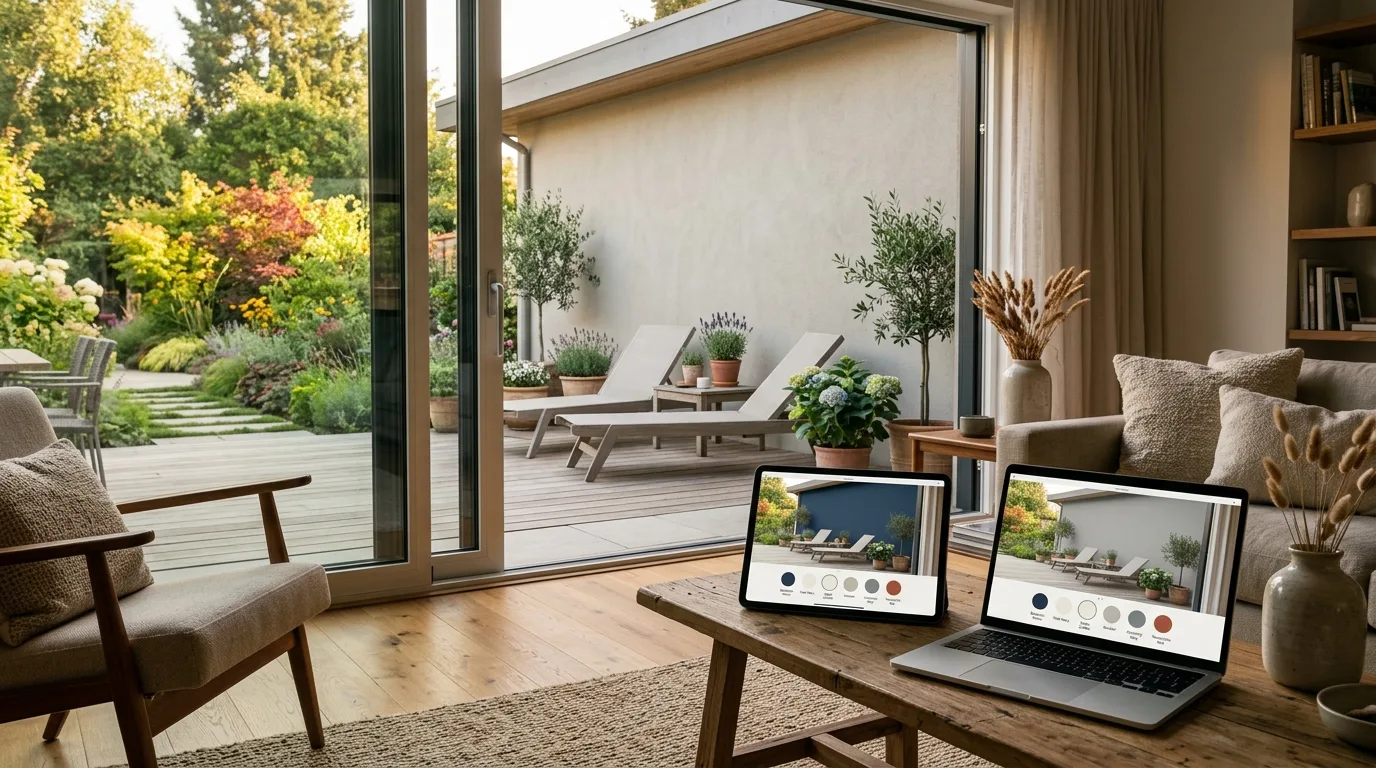
Few home improvement decisions carry as much anxiety as picking the right paint shade. We have all been there: standing in a brightly lit home improvement store, staring at hundreds of near-identical paper swatches, wondering if "Misty Seafoam" will actually look serene or turn your living room into an accidental aquarium. Fortunately, modern technology offers a far better way to brainstorm wall and house colors. By using an AI paint color visualizer and advanced digital design tools, you can explore fresh palette concepts and visualize full interior or exterior transformations before opening a single paint can.
At Reimagine Your Yard, our generative AI suite allows homeowners to experiment with new aesthetic styles, test spatial layouts, and discover harmonious color schemes for both indoors and outdoors. In this guide, we will explore how AI technology removes the guesswork from paint selection, how to evaluate experimental digital color concepts, and how to seamlessly pair your new wall colors with furniture and curb appeal upgrades.
Why Traditional Paint Swatches Fail Homeowners
For decades, the standard approach to painting a room or exterior siding involved taping small card-stock swatches to the wall, buying three different sample tins, and painting patchy squares on your drywall. While physical samples still play an important role near the end of your project, relying solely on paper swatches early in the planning process often leads to costly mistakes.
Lighting Variables and Undertones
Paper swatches are printed under artificial, perfectly balanced store lighting. Once you take that same card into your north-facing bedroom or onto an exterior porch exposed to harsh noon sunlight, the undertones change dramatically. A cool gray can suddenly reveal strong purple undertones, while a crisp white might look dingy and yellowed under warm incandescent lamps. A physical swatch is simply too small to show you how light reflects across an entire room throughout the day.
The Cost of Painting Mistakes
Repainting a room because the initial shade missed the mark is frustrating, but repainting an entire house exterior can destroy a renovation budget. Beyond the cost of paint cans, hiring professional painters or spending your entire weekend on a ladder means the stakes are high. Visualizing color concepts digitally gives you a low-risk environment to test bold ideas—like dark accent walls or dramatic moody exterior siding—before making a financial commitment.
How an AI Paint Color Visualizer Streamlines Color Selection
Generative artificial intelligence has changed how we think about home design. Rather than relying entirely on manual graphic editing, an AI paint color visualizer environment interprets lighting, textures, spatial depth, and architectural features from a photo of your actual space. This allows you to explore full design concepts rather than looking at isolated colors in a vacuum.
Visualizing Interior Spaces with the Design Studio
When updating a room, wall color is only one piece of the puzzle. Paint must work in harmony with your flooring, trim, window treatments, and furniture. Using the Design Studio on Reimagine Your Yard, you can upload a photo of your existing room and generate new design styles. Whether you want to explore a warm Scandinavian palette, a bold Modern Industrial theme, or a cozy Farmhouse feel, the AI re-imagines your room, showing you how wall colors interact with surrounding decor elements.
If you are starting with a brand-new build or a freshly cleared space, the Design Studio also features a dedicated staging feature designed to furnish empty rooms. This helps you visualize how soft textiles, wooden tones, and painted accent walls weave together to create a cohesive home environment.
Revitalizing House Exteriors and Curb Appeal
Color selection for house exteriors involves managing fixed architectural materials like brick, stone, roof shingles, and concrete driveways. By selecting the exterior design mode within the Design Studio, you can experiment with striking paint concepts for your siding, trim, front door, and shutters. Want to see how your home looks with a dark charcoal finish compared to a classic off-white wrap? Upload a high-resolution photo of your home exterior to preview complete architectural concepts in seconds.
Pairing Colors with Specific Products
Once you have identified an overall color palette concept you love, the next challenge is ensuring your actual furniture and decor match those virtual walls. Reimagine Your Yard’s Product Visualiser allows you to combine a photo of your real space with a photo of a specific product—such as a vibrant couch, a wooden coffee table, or patterned curtains—so you can see how specific finishes look alongside your visual color direction.
Step-by-Step: Testing Paint Concepts with AI
To get the most out of your digital design session, follow these practical steps to refine your ideas from rough vision to confident color choice:
- Step 1: Capture a Clear Photo – Take a well-lit photo of your room or exterior during daylight hours. Ensure the room is clear of unnecessary clutter so the AI can cleanly read your architectural layout and lighting.
- Step 2: Upload to Design Studio – Select whether you are working on an interior space or home exterior. Upload your photo and choose from a variety of design styles to generate high-level aesthetic concepts.
- Step 3: Analyze experimental paint color concepts – Treat the AI-generated renders as creative direction. Observe whether your room responds better to deep, rich undertones or light, reflective neutrals. Pay attention to accent wall positioning and ceiling colors.
- Step 4: Layer in Furniture with Product Visualiser – Take your preferred interior image and use the Product Visualiser to test individual decor pieces against your freshly envisioned background palette.
- Step 5: Transition to Physical Testing – Once the AI helps you narrow down your general color direction (e.g., a warm greige vs. a cool slate gray), purchase two or three physical paint sample pots from your local paint store to test directly on your physical walls.
Practical Tips for Translating AI Color Concepts to Real-World Paint
It is important to remember that digital color rendering serves as an inspiring design guide rather than a precise paint formula. Because computer monitors display colors using backlit pixels (RGB) while real paint relies on light bouncing off physical pigment, bridging the gap between screen and reality requires a few smart steps.
Understand Natural Light Direction
Before buying your final paint cans, note which direction your room windows face. Rooms facing North receive cooler, bluer light, which can cause subtle cool grays to look cold and metallic. Rooms facing South receive warm light all day long, amplifying yellow and beige undertones. Use your visual renderings to select a general tone, then adjust your final physical sample choice based on room orientation.
Focus on Contrast and Balance
Rather than looking for an exact hex code match from a rendered image, analyze the level of contrast shown in your generated designs. Notice how dark trim frames light walls, or how a warm wall tone balances cool wood floor stains. Use the digital concept to determine your balance strategy—light walls with dark cabinetry, or deep walls with crisp white trim.
Exploring Creative Seasonal Styles
Beyond standard interior redecorating, visual tools allow homeowners to experiment with temporary themes. Reimagine Your Yard offers festive seasonal styles in the Design Studio—such as specialized Halloween or Christmas decor settings. You can upload a photo of your house or living room to overlay fun seasonal decorations and festive lighting accents directly onto your existing space without permanently altering your paint or layout.
Final Thoughts: Start Visualizing Your Space Today
Choosing paint colors no longer has to be an exhausting process of elimination using hundreds of paper swatches. By starting your project with an AI paint color visualizer workflow, you can test daring palettes, discover surprising style combinations, and make confident decorating decisions for every room in your home.
Ready to bring your home improvement ideas to life? Create your free account today on Reimagine Your Yard. Every new account receives limited initial generation credits to explore our powerful Design Studio and Product Visualiser. Transform your interiors, revamp your house exterior, and design a home you love!